
 Back
Back

Automatically translated version. May contain inaccuracies compared to the original.
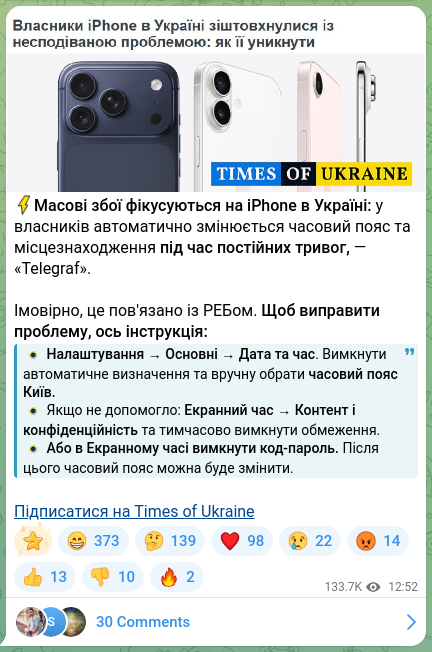
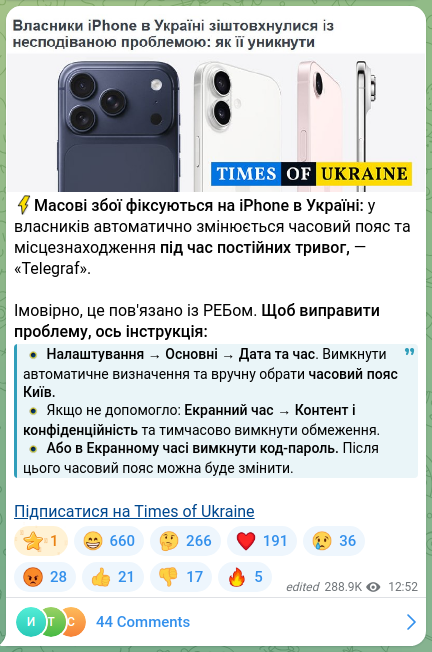
⚡️Mass failures are being recorded on iPhones in Ukraine: owners’ time zones and locations automatically change during continuous alerts, — “Telegraf”.
It is likely related to electronic warfare. To fix the problem, here are the instructions:
⭕️ Settings → General → Date & Time. Turn off Set Automatically and manually select the Kyiv time zone.
⭕️ If that doesn’t help: Screen Time → Content & Privacy Restrictions and temporarily disable restrictions.
⭕️ Or in Screen Time disable the passcode. After that the time zone can be changed.
Subscribe to Times of Ukraine







 Telegram publication